Eden YouTube Example1.4
Publisher Description
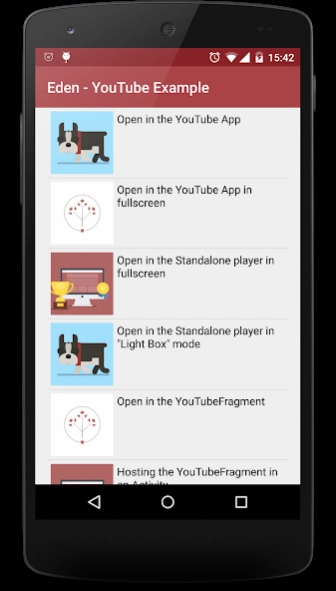
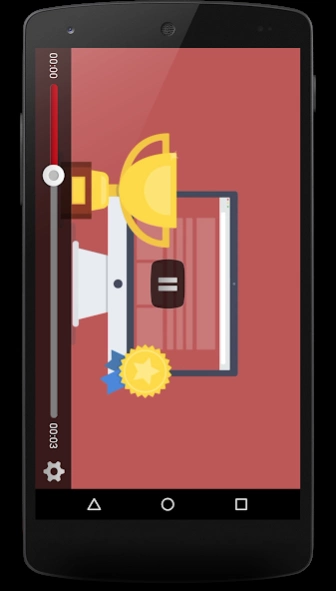
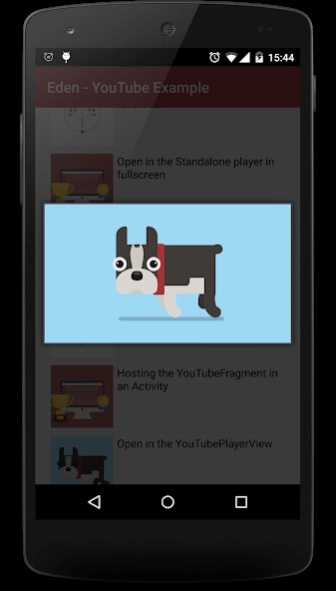
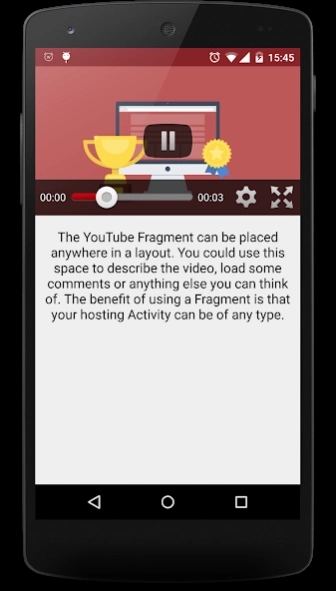
A small sample of what can be achieved using the YouTube API for Android
This app serves to demonstrate the various functionalities of the YouTube API for Android.
If you need an example of how to open and play YouTube videos within your application then look no further, you can use this application to see the different ways you can display videos and find one that best suits your needs.
Features:
- Open using the YouTube app
- Open in the YouTubeStandalonePlayer
- Open in the YouTubePlayerFragment
- Open in the YouTubeBaseActivity
- Open in the YouTubePlayerView
Source Code:
This application is also open source so all source code can be viewed on GitHub.
https://github.com/Glurt/EdenYouTube
YouTube API:
You can view the documentation and download the library here:
https://developers.google.com/youtube/android/player/
Suggestions and feedback welcome, use the email address listed on this page.
About Eden YouTube Example
The company that develops Eden YouTube Example is Scott Cooper. The latest version released by its developer is 1.4.
To install Eden YouTube Example on your Android device, just click the green Continue To App button above to start the installation process. The app is listed on our website since 2016-01-25 and was downloaded 5 times. We have already checked if the download link is safe, however for your own protection we recommend that you scan the downloaded app with your antivirus. Your antivirus may detect the Eden YouTube Example as malware as malware if the download link to com.eden.youtubesample is broken.
How to install Eden YouTube Example on your Android device:
- Click on the Continue To App button on our website. This will redirect you to Google Play.
- Once the Eden YouTube Example is shown in the Google Play listing of your Android device, you can start its download and installation. Tap on the Install button located below the search bar and to the right of the app icon.
- A pop-up window with the permissions required by Eden YouTube Example will be shown. Click on Accept to continue the process.
- Eden YouTube Example will be downloaded onto your device, displaying a progress. Once the download completes, the installation will start and you'll get a notification after the installation is finished.
Program Details
System requirements
Download information
Pricing
Version History
version 1.4
posted on 2016-01-25
Bug fixes and YouTube library upgrade
